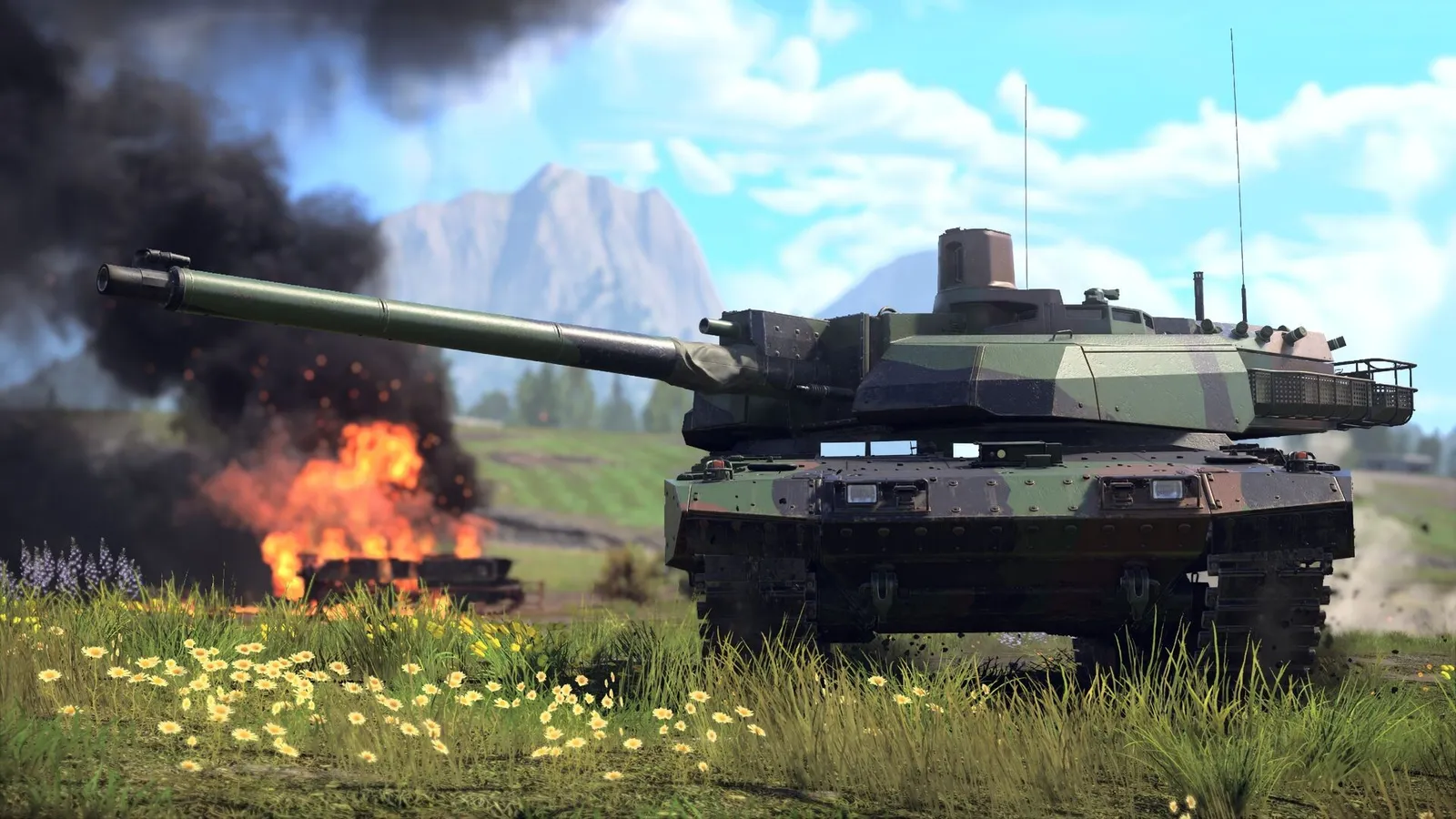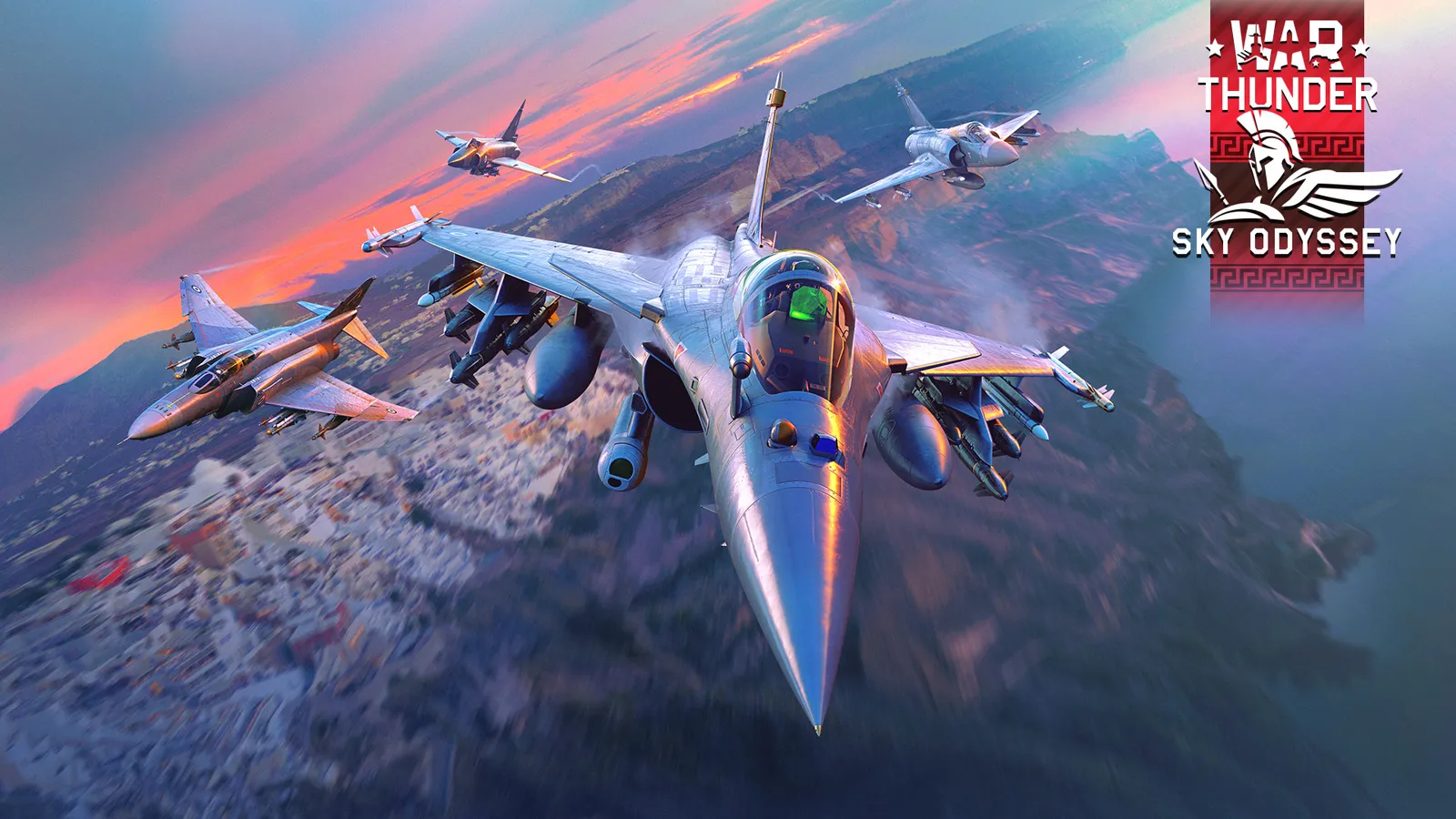
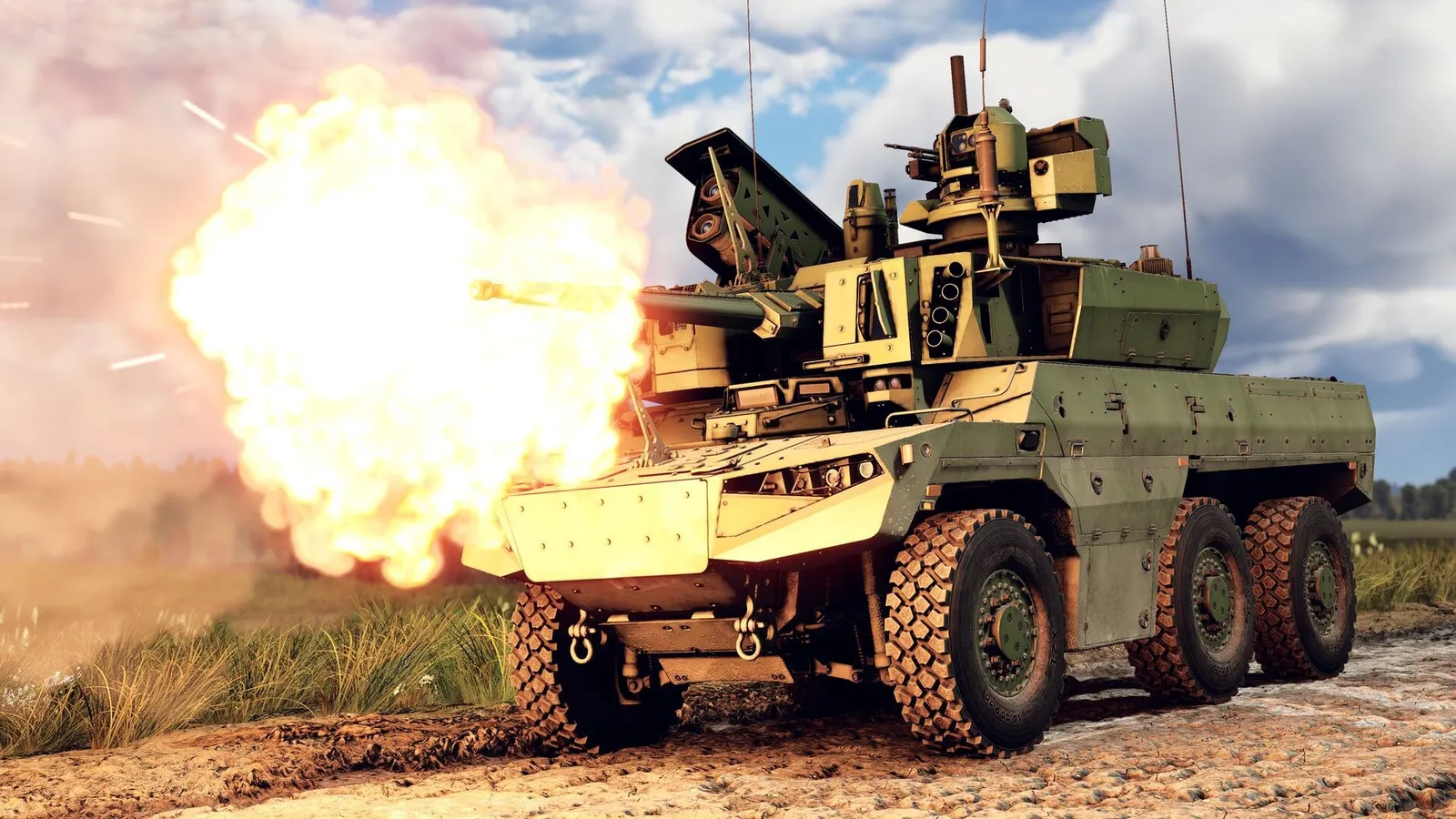
This War Thunder beginner guide explains what to focus on in your first weeks: which mode to queue for, how battle rating decides your opponents, how research really progresses, and which habits slow new players down. It also covers the Sky Odyssey update released on September 16, 2026, since it changed a few systems that affect newcomers.
- Start in Arcade for tanks or planes. You get respawns, enemy markers and, for aircraft, a lead indicator, so each match teaches you more.
- Watch your battle rating (BR). In most modes you can meet enemies up to 1.0 BR above or below your lineup.
- Research in order. Using the vehicle directly before the one you are researching gives a bonus; using a vehicle two or more ranks away gives a heavy penalty.
- Spread crew points early into the skills that keep you alive and shooting, and do not rush into high ranks.
- Check the Sky Odyssey changes: abandoning a tank or ship now gives partial kill credit to nearby enemies, and three event modes became permanent.
What War Thunder is and how it is structured
War Thunder is a free-to-play vehicle combat game from Gaijin Entertainment, first released on Steam on August 15, 2013. According to its Steam page, it covers more than 3,000 aircraft, helicopters, tanks and ships, and it runs on Windows, macOS, Linux, PlayStation 4/5 and Xbox One/Series X|S with cross-platform play. Optional paid packs exist, but you can progress through every regular research tree without paying.
Vehicles sit in national research trees split into ranks. You unlock them with Research Points (RP) and buy them with Silver Lions (SL), the currency you earn after every battle. Golden Eagles (GE) are the premium currency, and Warbonds come from Battle Pass levels, according to the official wiki.
For a beginner, the key idea is simple: every vehicle has a battle rating, and that number, not its rank, decides who you fight.
Pick the right mode first
War Thunder has three main PvP modes. They share maps and vehicles but play very differently.
Arcade Battles
The official wiki describes Arcade as the most forgiving mode. Visible enemies are marked on screen and on the minimap. Aircraft get a lead marker that shows where to aim, simplified flight physics that stop you from breaking your plane in hard turns, and ammunition that refills in the air. In Ground Arcade you can bring up to three ground vehicles into a battle and earn points to briefly fly an aircraft.
Realistic Battles
Realistic removes most of the help. Air Realistic gives you one plane and no respawn; you land at your airfield to rearm. Ground Realistic uses a spawn point system: you earn points through actions in battle and spend them to bring in more vehicles. There are no enemy markers, and tank gunners do not get a colored crosshair that tells you whether a shot will penetrate.
Simulator Battles
Simulator is the most demanding mode, with the strictest controls and view restrictions. Matchmaking also works differently here (see the next section), so it is best left until you know your vehicles well.
Suggested path: play Arcade until you can recognize common enemy vehicles and their weak spots, then move to Realistic, which many players use for most of their progression because it rewards careful play.
Understand battle rating and matchmaking
The official matchmaking page explains that in most modes you are matched within a 1.0 BR spread. A tank at 5.3 can meet enemies from 4.3 to 6.3. If you are at the bottom of that range, you are "uptiered" and facing stronger vehicles; at the top, you are "downtiered."
How your lineup BR is calculated depends on the mode:
- Air Realistic, Ground and Naval Arcade/Realistic: your highest BR vehicle sets the lineup BR.
- Air Arcade: the average of your three highest-rated aircraft.
- Air and Naval Simulator: fixed BR brackets that rotate every two days.
- Ground Simulator: specific vehicle lists that rotate every two days.
The practical lesson: in Ground Realistic, one high-BR tank in your lineup drags every other tank in that lineup into harder matches. Keep your lineup close together in BR.
Battle ratings also change over time. Gaijin posts planned adjustments on its official forum; for example, the planned August 2026 changes were announced on July 31, 2026. If a vehicle suddenly feels harder or easier, check the latest BR post before assuming you are playing it wrong.
How research actually works
Every battle earns vehicle RP, which goes to the vehicle you have chosen to research, and modification RP, which each vehicle you used earns for its own upgrades. The official wiki lists two rules beginners often miss:
- The direct-connection bonus. If you research a vehicle using the one right before it in the tree (linked by an arrow), you get 130% RP in Arcade and 110% RP in Realistic and Simulator.
- Rank-difference penalties. Researching a vehicle that is two ranks above the one you are playing cuts RP by 60%, and three ranks by 70%. Using a high-rank vehicle to research a low-rank one is even worse: one rank gap costs 10%, two ranks 70%, and three ranks 90%.
Modifications matter too. When you finish every modification in one tier of a vehicle, you get bonus vehicle RP equal to 20% of that tier's total cost. So a few extra battles to finish a tier of upgrades also pushes your tree forward.
A Premium Account doubles RP earnings and raises SL rewards by at least 50%, according to the wiki. It speeds things up but does not unlock anything you could not earn for free.
Crews: the hidden stat line
Each vehicle slot in your lineup is tied to a crew, and crews have skills that improve things like reload speed, vision and repair time. You earn crew experience from battle: roughly 1 crew point per 100 RP in Realistic and Simulator, and about 3 per 100 RP in Arcade, according to the official Crew Skills page.
Crews can also get vehicle-specific qualifications bought with Silver Lions. Expert adds three skill levels (a 30% efficiency gain) and Ace adds two more on top, for 50% in total. Fully training a crew takes a large number of points (the wiki lists over 71,000 for a ground crew), so spend early points on what keeps you alive and shooting rather than spreading them evenly.
Common mistakes to avoid
- Jumping ranks too early. The research penalties above mean skipping ahead wastes RP, and high-rank vehicles face players with far more experience.
- Mixing BRs in one lineup. In Ground modes, your highest vehicle decides your matches.
- Ignoring modifications. A stock vehicle often lacks better ammunition or parts. Research the key modifications before judging a vehicle.
- Bailing out of a losing tank or ship. Since the Sky Odyssey update on September 16, 2026, leaving a ground vehicle or ship (through the ESC menu or by holding the default J key) credits the kill to the nearest enemy, or to the one whose shell was closest, within 3 km for ground vehicles and 20 km for ships. That player gets half the normal reward. Bailing out no longer denies the enemy a reward.
- Leaving battles early. The wiki notes a crew-lock system that blocks crew slots you left mid-match, which limits your lineup for a while.
What changed in 2026 for new players
Two major updates this year are worth knowing about:
- Heavy Cavalry (June 24, 2026): added new vehicles for every nation and several quality-of-life features, including rewards when an enemy aircraft crashes near you without taking damage.
- Sky Odyssey (September 16, 2026): besides the abandonment rewards above, Gaijin reworked the bomber damage model to improve bomber survivability, raised the maximum number of lineup presets from 18 to 25 (all available from the start), and replaced the presets window with a dropdown menu. Three former event modes, Nuclear Escalation, Naval Confrontation and Bullet Hell, are now permanent and appear in a dropdown under the "To Battle!" button. The update also added Darwin Hill, a Falkland Islands map for Ground Battles.